
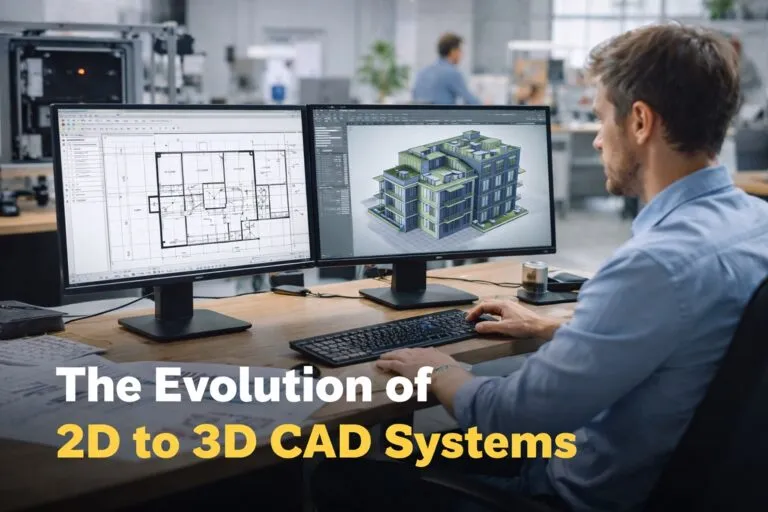
The evolution of 2D to 3D CAD systems has significantly transformed engineering, product design, and manufacturing workflows. Early computer aided design tools focused primarily on digital drafting that replaced manual drawing boards. Over time, advancements in computing power, parametric modeling, and visualization technologies enabled CAD platforms to move beyond flat technical drawings into fully interactive 3D environments. This progression reshaped how organizations design products, collaborate across teams, and manage complex engineering data.
Understanding how CAD software evolved from 2D drafting to 3D modeling provides valuable insight for hiring managers and HR professionals who evaluate CAD talent, technical skill sets, and modern engineering capabilities within organizations.
Early Digital Drafting and the Rise of 2D CAD
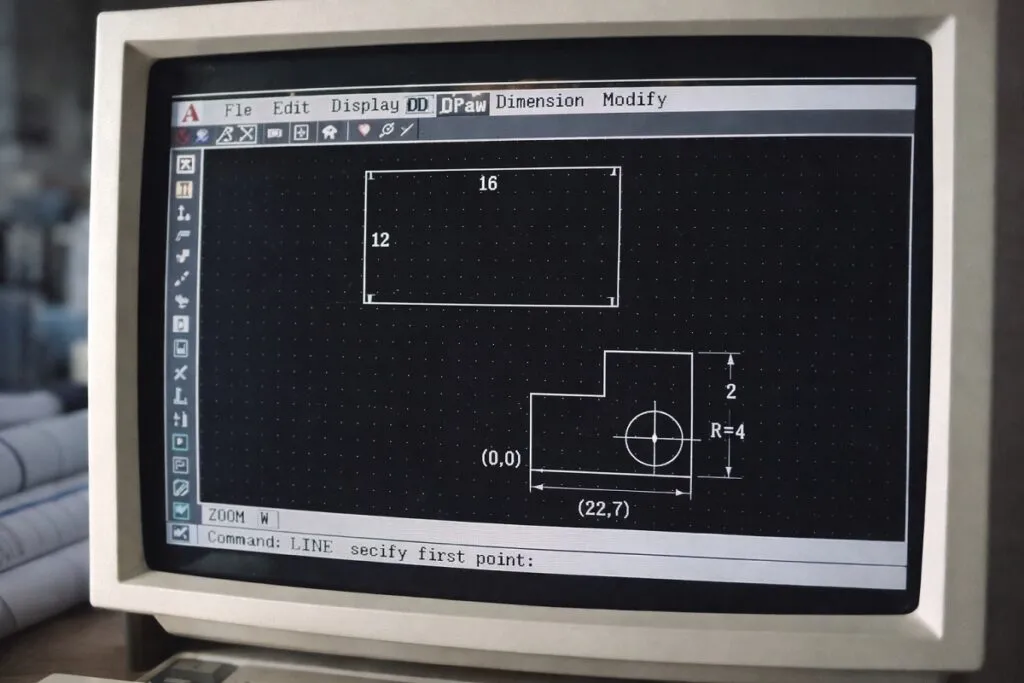
Before 3D modeling became mainstream, CAD technology focused almost entirely on digital drafting. Early systems were designed to replicate the functions of traditional drawing boards while improving precision and efficiency.
Engineers and designers used 2D CAD software to produce technical drawings such as floor plans, mechanical schematics, and manufacturing blueprints.
Key characteristics of early 2D CAD systems included:
- Line based drafting and geometric construction
- Layer management for organizing complex drawings
- Precise dimensioning and annotation tools
- Standardized templates for technical documentation
- Plotting capabilities for printing engineering drawings
Software such as AutoCAD played a major role in establishing 2D CAD as an industry standard. Engineers could now create accurate technical drawings with improved editing capabilities compared to manual drafting.
This shift increased productivity while reducing drafting errors. However, designs were still represented in flat views, meaning engineers had to interpret multiple orthographic drawings to understand complex components.
Limitations That Drove the Shift Toward 3D CAD
As engineering projects became more complex, the limitations of 2D CAD systems became more apparent. Designers working with intricate assemblies often needed multiple drawings to represent a single product.
Common challenges included:
- Difficulty visualizing spatial relationships between components
- Increased risk of design conflicts between parts
- Limited simulation capabilities
- Manual updates across multiple drawing views
- Reduced efficiency when designing complex assemblies
When design modifications occurred, engineers frequently had to update several drawings manually. This process introduced inconsistencies and slowed product development cycles.
These challenges motivated software developers to explore ways to represent designs in three dimensional environments.
The Introduction of Early 3D Modeling Systems
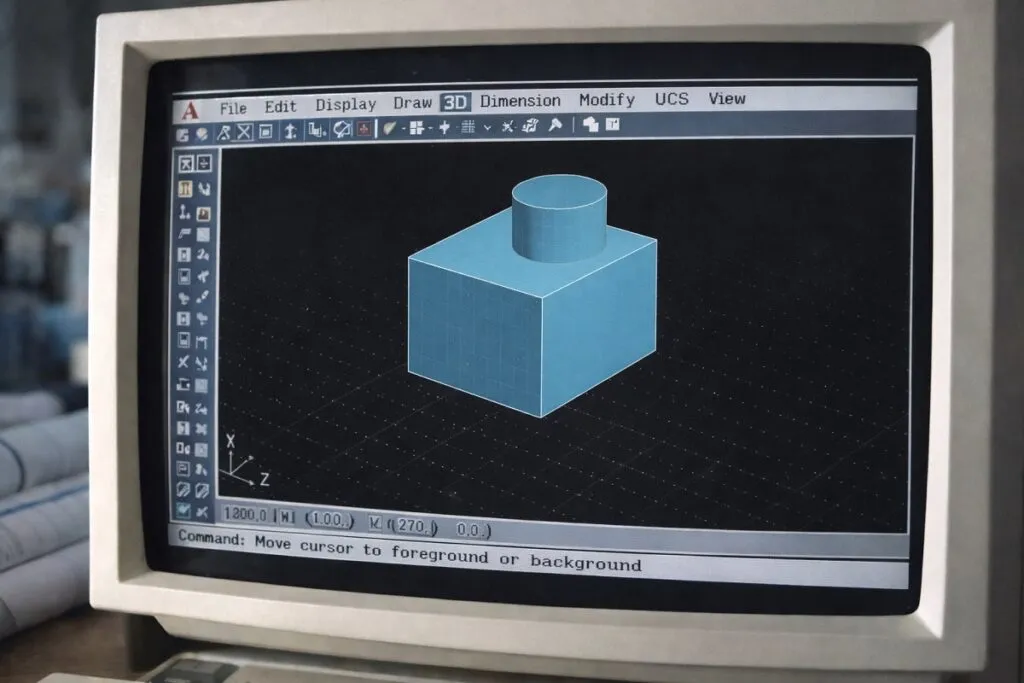
The early stages of 3D CAD development began with basic wireframe modeling. Wireframe models represented objects using lines and curves to define shape and structure.
Although wireframe models allowed engineers to visualize objects in three dimensions, they still lacked surface definition and solid properties.
Later innovations introduced surface modeling. Surface models allowed designers to define the outer shape of objects with greater accuracy, making them particularly useful for industries such as automotive and aerospace.
These developments laid the groundwork for modern solid modeling systems.
Solid Modeling and the Transformation of CAD Workflows
The introduction of solid modeling marked a major milestone in the evolution of 2D to 3D CAD systems. Solid models represent objects as complete volumetric shapes rather than simple lines or surfaces.
This advancement allowed engineers to interact with digital components in a way that closely mirrored physical objects.
Benefits of solid modeling include:
- Accurate mass and volume calculations
- Realistic visualization of products and assemblies
- Improved interference detection between components
- Enhanced simulation and testing capabilities
- Simplified design modifications
Solid modeling also allowed designers to create assemblies composed of multiple interconnected parts. Engineers could evaluate how components fit together and identify potential design conflicts early in the development process.
This significantly reduced the need for costly physical prototypes.
Parametric Modeling and Design Intelligence
Another critical advancement in 3D CAD systems was the development of parametric modeling. Parametric CAD introduced rule based design logic that allowed engineers to define relationships between features.
Design changes could be made by modifying parameters rather than redrawing entire components.
For example, adjusting a dimension in a parametric model automatically updates related features and assemblies. This capability greatly improved design flexibility and reduced repetitive tasks.
Parametric modeling systems often include:
- Feature based modeling workflows
- Constraint driven design relationships
- Design history tracking
- Configurable part variations
- Automated dimension updates
These capabilities transformed CAD software from a drafting tool into an intelligent design environment.
Assembly Modeling and Product Development Efficiency
As CAD systems matured, assembly modeling became a core component of modern engineering workflows. Instead of working with individual parts in isolation, engineers could create complex digital assemblies that simulate real world product structures.
Assembly modeling supports:
- Component relationships and constraints
- Motion studies and mechanical interactions
- Collision detection between parts
- Hierarchical product structures
- Configuration management for design variants
This capability enables engineering teams to evaluate mechanical performance before manufacturing begins.
For companies managing large scale engineering projects, assembly modeling also improves collaboration across design, manufacturing, and quality assurance teams.
Visualization and Realistic Rendering
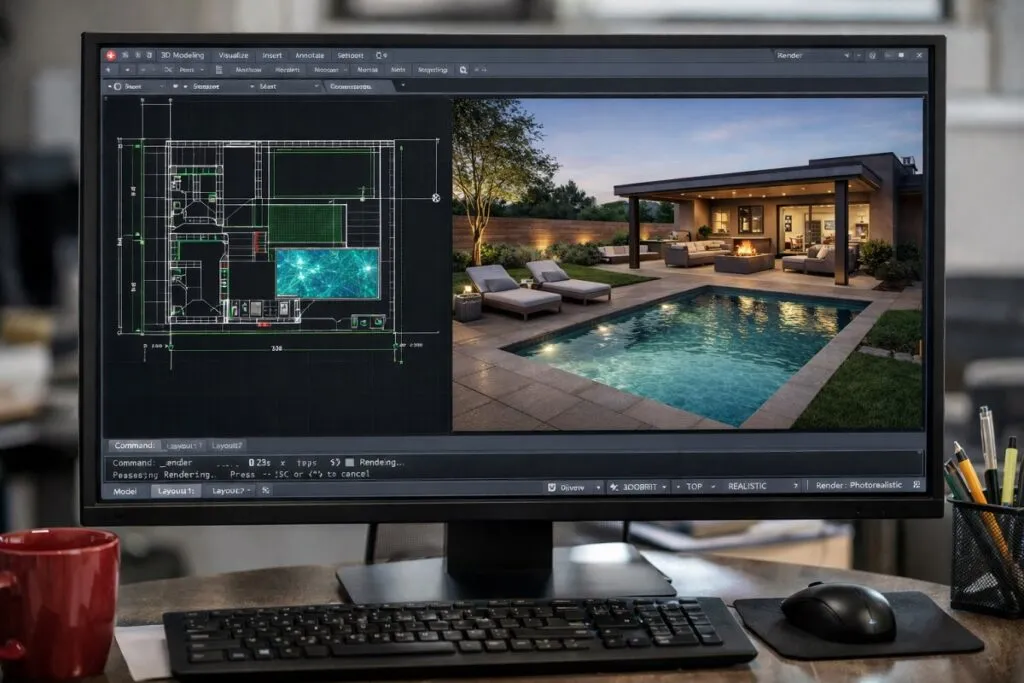
Another important stage in the evolution of CAD systems involved the integration of advanced visualization tools. Modern 3D CAD software includes rendering capabilities that produce highly detailed images of products.
Visualization improvements include:
- Photorealistic materials and textures
- Lighting simulation
- Real time rendering environments
- Interactive product walkthroughs
- High quality marketing visuals generated directly from CAD models
These capabilities help organizations communicate design concepts more effectively to stakeholders, clients, and production teams.
For hiring managers evaluating CAD professionals, visualization skills often indicate experience with advanced 3D modeling workflows.
Integration with Engineering Analysis and Simulation
The transition from 2D drafting to 3D CAD also enabled deeper integration with engineering simulation tools.
Modern CAD platforms frequently connect with computer aided engineering applications that allow engineers to test product performance within the design environment.
Examples of integrated analysis capabilities include:
- Structural stress testing
- Thermal performance analysis
- Fluid dynamics simulations
- Motion analysis for mechanical assemblies
- Material performance evaluation
These simulations allow engineering teams to validate designs digitally before committing to manufacturing.
Organizations benefit from faster development cycles, reduced prototyping costs, and improved product reliability.
Data Management and Digital Product Development
As CAD models became more complex, managing design data became a major priority. Modern 3D CAD systems often integrate with product lifecycle management platforms.
These systems help organizations manage engineering data throughout the entire product development cycle.
Common features include:
- Version control for design files
- Engineering change tracking
- Access management for design teams
- Integration with manufacturing systems
- Documentation management for compliance
Data management systems ensure that engineering teams work from consistent and up to date design information.
For HR professionals and hiring managers, experience with CAD data management systems is increasingly considered an important qualification for engineering and design roles.
Industry Impact of the 2D to 3D CAD Transition
The evolution of 2D to 3D CAD systems reshaped multiple industries that rely heavily on design and engineering technologies.
Industries significantly influenced by 3D CAD include:
- Aerospace engineering
- Automotive design and manufacturing
- Industrial machinery development
- Architecture and construction
- Consumer product design
- Medical device engineering
The ability to design, analyze, and visualize products within a digital environment dramatically improved innovation and production efficiency.
Organizations now expect engineers and designers to work primarily within 3D modeling platforms rather than traditional drafting tools.
Popular 3D CAD Software Used in Modern Engineering

The evolution of 2D to 3D CAD systems also led to the development of advanced software platforms that support modern product design, engineering simulation, and digital prototyping. These CAD tools allow engineers to create detailed 3D models, assemblies, and simulations used throughout the product development process.
For hiring managers and HR professionals evaluating engineering talent, familiarity with widely used 3D CAD software is often a key qualification.
Some of the most commonly used 3D CAD platforms in engineering and manufacturing include:
- SolidWorks
Widely used for mechanical design, product development, and parametric 3D modeling. Popular in manufacturing, aerospace, and industrial equipment companies. - Autodesk Inventor
A professional mechanical design platform that supports parametric modeling, assemblies, and engineering simulations. - CATIA
Used extensively in aerospace, automotive, and complex systems engineering for large scale product development and advanced surface modeling. - PTC Creo
A powerful parametric 3D CAD platform known for advanced engineering design capabilities and integrated simulation tools. - Siemens NX
Enterprise level CAD, CAM, and CAE software used for complex engineering design and manufacturing workflows. - Fusion 360
A cloud based CAD platform that combines 3D modeling, simulation, and manufacturing tools in a collaborative environment. - Onshape
A cloud native CAD system designed for collaborative engineering teams and real time design management.
These 3D CAD software platforms represent the technological progression from traditional 2D drafting tools to fully integrated digital engineering environments. Engineers working with modern CAD systems can design, simulate, and refine complex products before physical production begins.
For organizations building engineering teams, experience with these 3D CAD platforms often indicates familiarity with modern product development workflows and advanced digital design practices.
Hiring Considerations for Modern CAD Skill Sets

For hiring managers and HR professionals, understanding the evolution of CAD technology helps clarify the types of skills needed in modern engineering teams.
Candidates experienced in modern CAD environments typically demonstrate proficiency in:
- Parametric 3D modeling
- Assembly design and mechanical relationships
- CAD simulation tools
- Design for manufacturing principles
- CAD data management systems
Professionals with experience transitioning from 2D workflows to advanced 3D modeling environments often bring strong problem solving abilities and practical design insight.
Evaluating CAD candidates based on their ability to work within integrated design systems is increasingly important for organizations focused on efficient product development.
The evolution of 2D to 3D CAD systems continues to shape engineering workflows, enabling organizations to design complex products with greater precision, collaboration, and efficiency. As CAD technology advances, companies that understand these developments are better positioned to build engineering teams capable of managing modern digital design environments.
Content reviewed and published by Tier2Tek Staffing Editorial Team .