
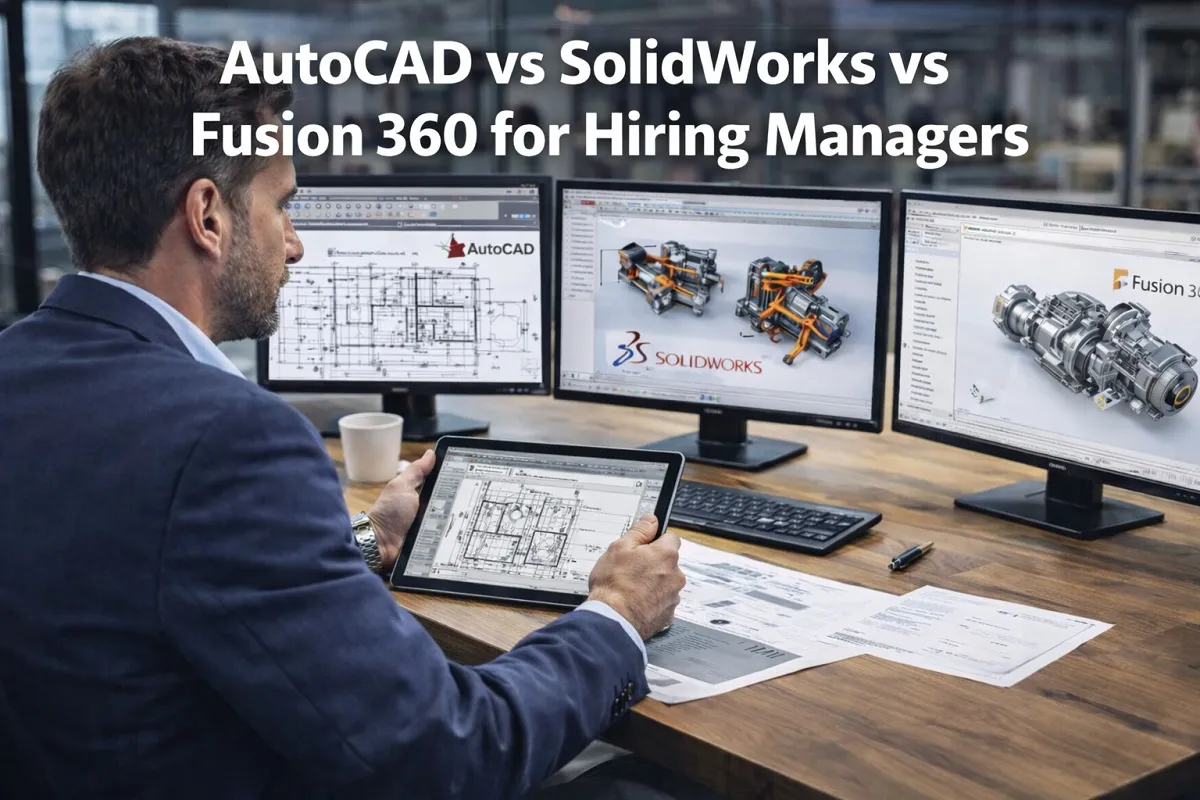
CAD Software Comparisons: AutoCAD vs SolidWorks vs Fusion 360 is a critical topic for hiring managers and HR professionals evaluating technical talent in engineering, architecture, and product development. Choosing the right CAD software skill set impacts recruitment decisions, salary benchmarking, and team productivity. Understanding the differences between AutoCAD, SolidWorks, and Fusion 360 allows organizations to align hiring strategies with project requirements and long term business goals.
These three leading CAD platforms dominate the design and engineering landscape. However, they serve distinct use cases, industries, and workflow priorities. A detailed comparison helps decision makers identify which expertise best fits their company’s needs.
Core Capabilities and Industry Focus

AutoCAD in Technical Drafting and Documentation
AutoCAD remains a benchmark in 2D drafting and technical documentation. It is widely used in architecture, construction, civil engineering, and infrastructure projects.
Key strengths include:
- Precision 2D drafting for floor plans and schematics
- Detailed construction documentation
- Compatibility with DWG file formats across industries
- Strong collaboration in AEC environments
Hiring managers recruiting for architectural designers, civil drafters, or MEP professionals often prioritize AutoCAD proficiency. It continues to hold strong market demand in construction and public sector projects.
According to Autodesk’s official CAD software overview, AutoCAD remains a core platform for drafting and documentation workflows across multiple industries, reinforcing its relevance in enterprise environments.
For HR teams, AutoCAD skills often indicate a candidate’s ability to manage compliance driven drawings and standardized documentation.
SolidWorks in Mechanical Design and Product Engineering
SolidWorks is heavily focused on parametric 3D modeling and mechanical design. It is commonly used in manufacturing, industrial design, automotive, and aerospace sectors.
Core strengths include:
- Advanced parametric modeling
- Assembly design and motion simulation
- Finite element analysis capabilities
- Bill of materials generation
SolidWorks is often required for roles such as mechanical engineer, product design engineer, and manufacturing engineer. It is especially valued in environments where detailed part modeling and production ready documentation are critical.
Dassault Systèmes, the developer of SolidWorks, highlights in its SolidWorks 3D CAD solution page that the platform supports design validation, simulation, and manufacturing integration, which is essential for product lifecycle management.
For hiring managers, SolidWorks experience signals readiness for product development cycles that include prototyping, simulation, and production optimization.
Fusion 360 in Integrated Design and Collaboration
Fusion 360 integrates CAD, CAM, and CAE into a unified cloud based platform. It is commonly used by startups, small manufacturers, and agile product teams.
Key features include:
- Parametric and direct modeling
- Integrated CAM for CNC machining
- Cloud collaboration and version control
- Cost effective licensing models
Fusion 360 is particularly attractive in organizations emphasizing digital transformation and distributed teams. It supports real time collaboration, making it valuable in remote engineering environments.
Hiring managers often see Fusion 360 as a versatile skill, especially in product design, prototyping, and rapid development workflows.
AutoCAD vs SolidWorks vs Fusion 360 Comparison Table
Suggested columns:
| Feature | AutoCAD | SolidWorks | Fusion 360 |
|---|---|---|---|
| Primary Use Case | 2D drafting, AEC | Mechanical 3D modeling | Integrated CAD/CAM |
| Best For Hiring In | Architecture, civil | Manufacturing, product design | Startups, agile teams |
| 2D Capability | Excellent | Limited | Moderate |
| 3D Modeling | Basic | Advanced parametric | Parametric + direct |
| Simulation Tools | Limited | Advanced | Integrated basic simulation |
| Collaboration | File based | File based | Cloud native |
| Licensing Cost | Enterprise subscription | Higher with add ons | Lower subscription |
| Certification Value | Strong in AEC | Strong in engineering | Growing in startups |
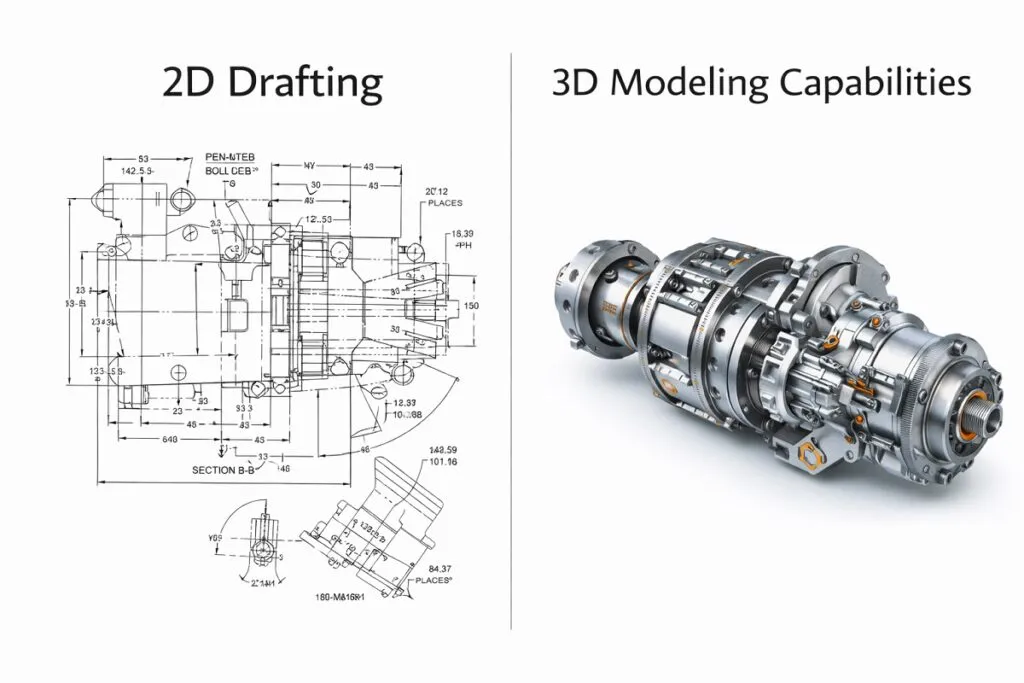
2D Drafting vs 3D Modeling Capabilities
AutoCAD’s Strength in 2D Environments
AutoCAD excels in producing accurate 2D construction drawings and layouts. While it supports 3D modeling, it is not its primary strength.
Best suited for:
- Floor plans and elevations
- Electrical schematics
- Civil layouts
- Regulatory documentation
If your organization prioritizes construction documentation over product modeling, AutoCAD expertise should be a key hiring requirement.
SolidWorks for Complex 3D Assemblies
SolidWorks is built for complex mechanical assemblies and detailed product design. Its parametric engine allows engineers to adjust dimensions while maintaining design intent.
Benefits include:
- High accuracy in part relationships
- Advanced simulation tools
- Integration with manufacturing workflows
- Strong industry adoption in mechanical sectors
For HR professionals hiring in manufacturing or engineering firms, SolidWorks certification often correlates with job readiness.
Fusion 360’s Hybrid Modeling Approach
Fusion 360 combines parametric and direct modeling. This flexibility allows teams to adapt quickly during early stage product development.
It supports:
- Concept modeling
- Rapid iteration
- CNC toolpath generation
- Cloud based file management
Organizations that require both design and manufacturing capabilities in one platform may prefer candidates skilled in Fusion 360.
Collaboration and Workflow Integration
Enterprise Integration
AutoCAD and SolidWorks are deeply embedded in enterprise environments. They integrate with PLM systems, ERP platforms, and large scale project management tools.
AutoCAD is dominant in AEC workflows, while SolidWorks integrates tightly with manufacturing systems.
Fusion 360, by contrast, emphasizes cloud collaboration. It allows teams to share designs instantly and manage revisions without complex server infrastructure.
For HR leaders building distributed engineering teams, Fusion 360 experience may align better with cloud first strategies.
Licensing and Cost Considerations
From a workforce planning perspective, software licensing costs affect talent acquisition and budgeting.
- AutoCAD typically operates on subscription models suitable for large enterprises.
- SolidWorks licenses can be higher in cost, especially with advanced simulation modules.
- Fusion 360 offers comparatively affordable subscription pricing, making it attractive for startups and SMBs.
Hiring managers must consider whether their chosen platform aligns with company budget and long term technology strategy.
Certifications and Hiring Value
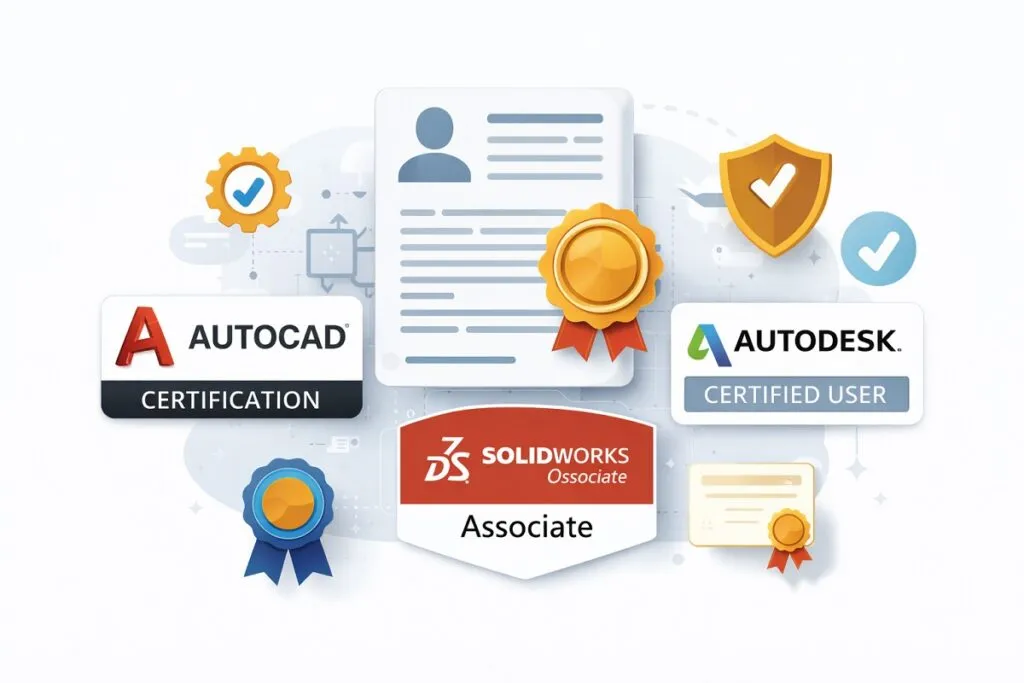
Certifications can serve as benchmarks during recruitment.
AutoCAD Certifications
Autodesk certifications validate drafting proficiency and technical documentation skills. These are valuable in construction and infrastructure sectors.
SolidWorks Certifications
Certified SolidWorks Professional credentials indicate advanced modeling competence. These certifications are often preferred in competitive engineering roles.
Fusion 360 Credentials
Autodesk offers Fusion 360 certifications that emphasize integrated design and manufacturing workflows. These are valuable for agile product teams.
For HR teams screening resumes, certifications can streamline candidate evaluation and reduce technical interview time.
Industry Demand and Market Trends
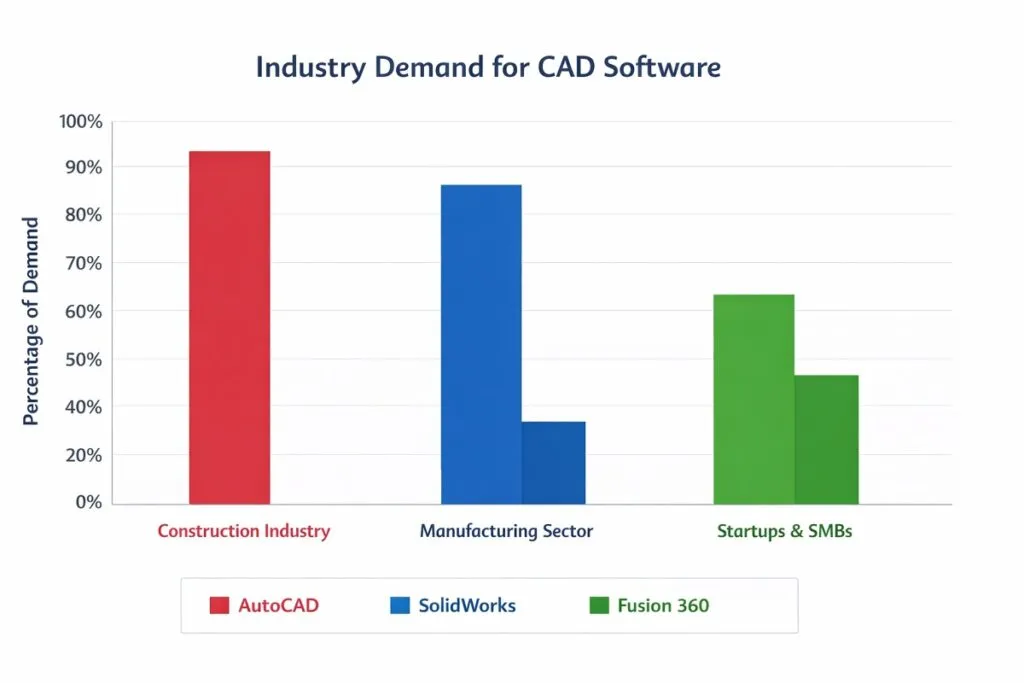
From a talent acquisition standpoint, demand varies by industry:
- Architecture and civil engineering favor AutoCAD.
- Manufacturing and product design prefer SolidWorks.
- Startups and innovation driven teams increasingly adopt Fusion 360.
Job postings frequently list CAD software proficiency as a core requirement. Aligning hiring strategies with project type ensures optimal workforce alignment.
Productivity and Learning Curve
AutoCAD
- Familiar interface for drafting professionals
- Steeper learning curve for advanced 3D features
- Ideal for documentation focused roles
SolidWorks
- Strong parametric logic
- Requires engineering background for full utilization
- Excellent for precision mechanical design
Fusion 360
- Intuitive user interface
- Faster onboarding for small teams
- Cloud access reduces IT overhead
For HR managers evaluating onboarding time and training investment, Fusion 360 may reduce ramp up periods, while SolidWorks demands deeper engineering expertise.
Which CAD Skill Set Should You Prioritize?

The answer depends on your business model and project requirements.
Choose AutoCAD if:
- You operate in construction or infrastructure
- Documentation and compliance drawings are core tasks
- You collaborate with government or public sector projects
Choose SolidWorks if:
- Your company designs manufactured products
- You require advanced simulation and assembly modeling
- Engineering precision is critical
Choose Fusion 360 if:
- You prioritize cloud collaboration
- You need integrated CAD and CAM workflows
- You run agile product development teams
Understanding CAD Software Comparisons: AutoCAD vs SolidWorks vs Fusion 360 enables HR professionals to make informed hiring decisions. Each platform represents a different design philosophy and operational focus.
Selecting candidates with the right CAD expertise ensures project efficiency, reduces costly redesigns, and strengthens cross functional collaboration. By aligning software skills with organizational goals, hiring managers can build high performing technical teams that drive measurable results in engineering, architecture, and manufacturing environments.
Content reviewed and published by Tier2Tek Staffing Editorial Team .